
Why Progress Bars in UX Design Secretly Control Your Users’ Patience (And How to Fix Them)
How small visual cues manipulate time perception, reduce anxiety, and skyrocket completion rates
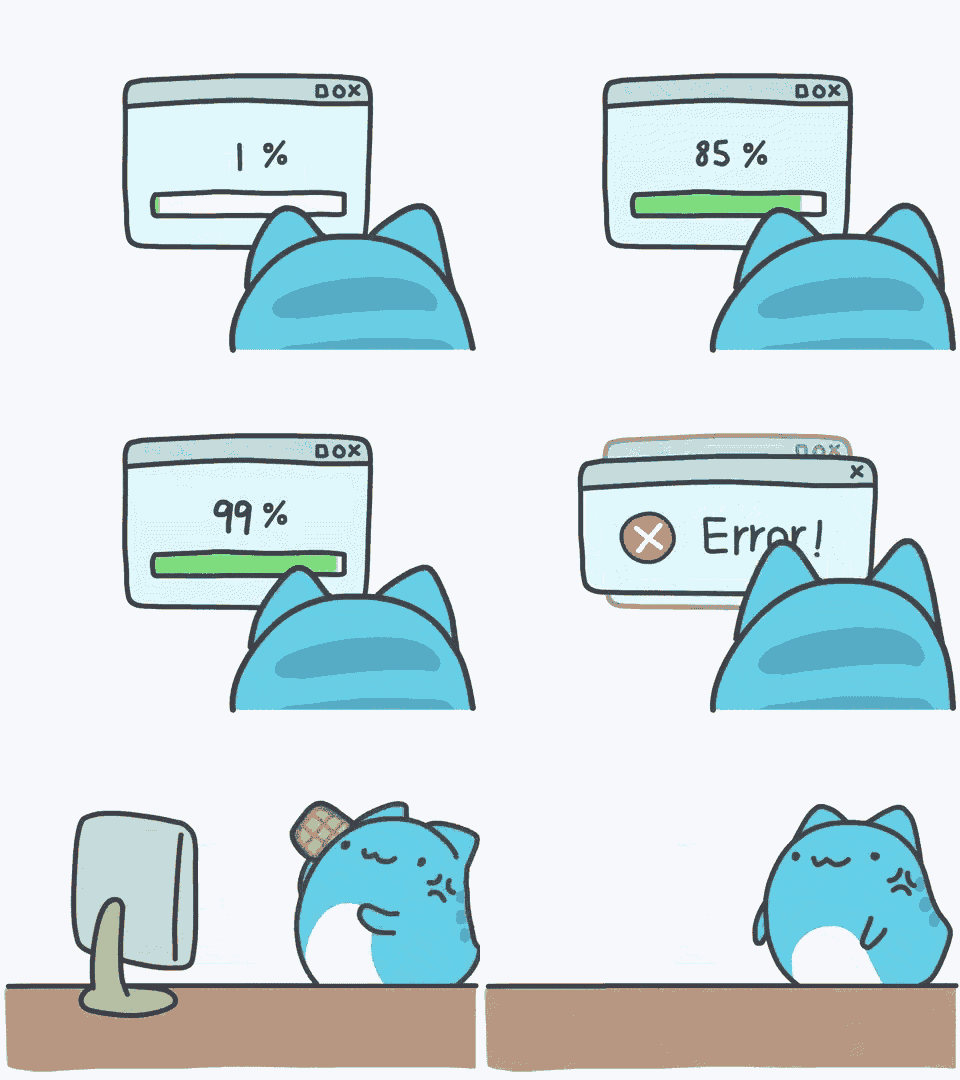
Imagine this: You’ve just clicked “Submit” on a critical form. The screen freezes. Was it 2 seconds? 20? Without a progress bar somewhere in the screen, every wait feels like a lifetime.
Here’s the reality:
70% of users abandon slow-loading sites [1]
But with a well-designed progress bar, the same wait can feel 11% shorter [2]
In this deep dive, you’ll learn how to turn progress bars from afterthoughts into psychological tools that reduce abandonment, build trust, and keep users hooked.
The Psychology of Waiting: Why Progress Bars in UX Design Manipulate Time
1. The Illusion of Control
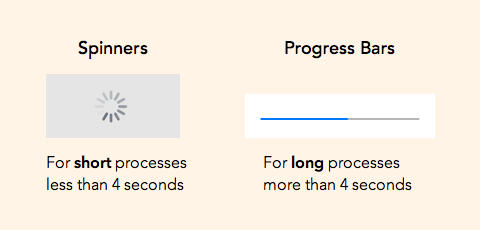
Humans crave control—even when it’s fake. A progress bar in UX tricks the brain into thinking: “I’m in charge here.”
Case Study: When Nielsen Norman Group tested checkout flows [3]:
No progress bar: 38% abandonment
With progress bar: 12% abandonment
Design Hack:
“Always show movement. Even an indeterminate pulsing bar reduces anxiety better than a static spinner.”– UX Researcher, Kate Moran [3]
2. The Zeigarnik Effect: Weaponizing Unfinished Tasks

Why it works: Our brains obsess over incomplete tasks. A progress bar visually screams “Finish me!”
Proven in UX: Duolingo’s lesson progress bars increased daily active users by 18% by triggering the Zeigarnik Effect [4].
3. Cognitive Load Reduction

Key Finding: Users report 25% higher satisfaction when given clear progress indicators [5].
Why? Uncertainty = Mental math = Stress. Progress bars eliminate guesswork.
What Studies Say About Perfect Progress Bars
Study | Key Insight | Design Takeaway |
ACM (2010) [2] | Accelerating bars feel 11% faster | Use slow → fast animations |
arXiv (2022) [6] | Pulsing dots > Static bars | Add subtle motion to indeterminate |
UX Collective (2023) [7] | Stall at 90% = 3x frustration spike | Never freeze near completion |
Good vs. Bad: Progress Bars That Win (and Lose) Trust
✅ Good Examples
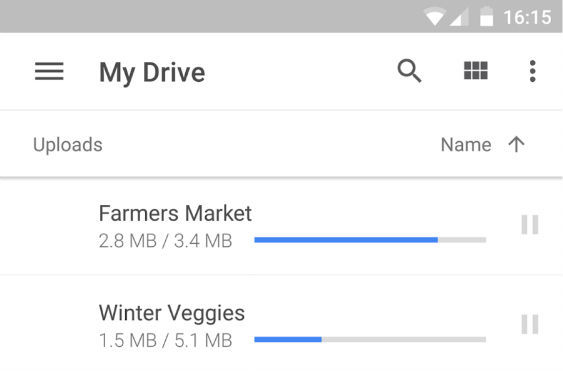
Why it works:
Real-time updates: Shows % progress, downloaded MBs, and file count.
Transparency: No sudden jumps or stalls.
❌ Bad Examples
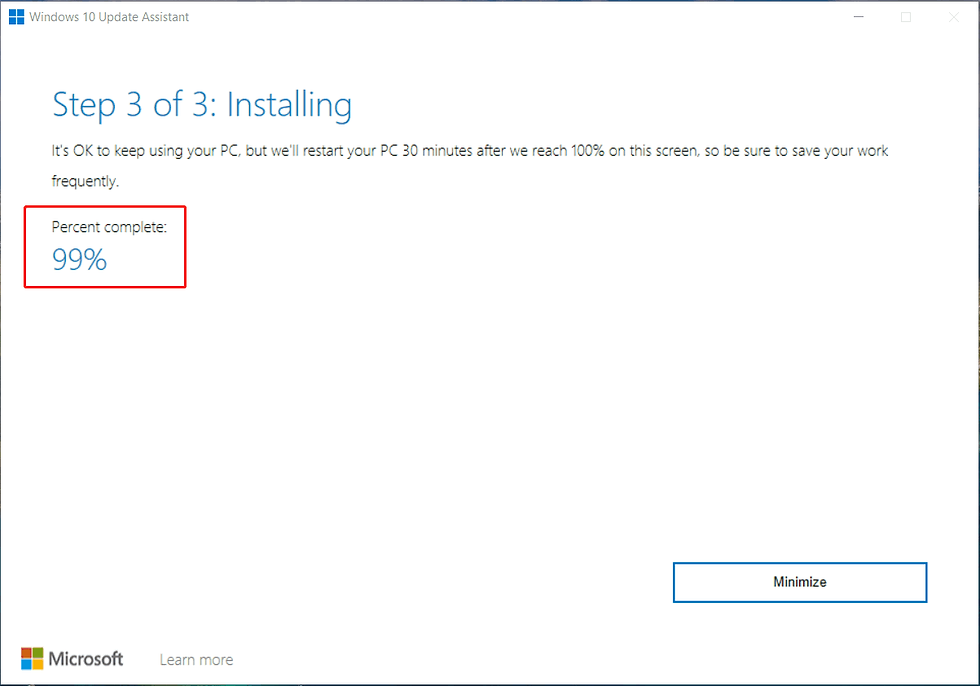
Why it fails:
Fake progress destroys trust long-term
“Users forgive slow bars but hate dishonest ones.” – Microsoft UX Audit (2023) [8]
5-Step Framework for Addictive Progress Bars
1. Transparency First
❌ “Processing…”
✅ “Optimizing images (Step 2/3, ~8 sec left)”
2. Pace Manipulation
Steady acceleration > Linear speed
Never freeze near 100%
3. Reward Milestones
Break long processes into digestible wins:
Checkmarks at 25%, 50%, 75% (e.g., Google Forms’ step tracker)
Micro-animations (e.g., a subtle glow when a milestone passes)
Positive reinforcement: “3/5 files uploaded – almost there!”
Case Study: LinkedIn’s profile strength meter increased completion rates by 27% by rewarding incremental progress [9].
4. Gamify (But Don’t Infantilize)
LinkedIn’s profile strength meter increased completion rates by 27% [9]
Caution: Over-the-top animations annoy experts
5. Test, Test, Test
A/B test bar styles with tools like Hotjar or FullStory
Track drop-off points religiously
The Dark Side of Progress Bars
3 Deadly Sins:
Fake Progress: Jumping to 90% then crawling
Hidden Time: “Loading…” with no estimate
No Error Handling: Frozen bars with no way out
Result:
42% of users distrust brands after encountering deceptive progress bars [10]
Your Progress Bar Audit Checklist
Rate your Progress Bar UI with these questions:
Does it show time estimates or %?
Is the pace steady or accelerating?
Does it celebrate milestones?
Have we tested it against a spinner control?
Final Thought
If users abandon your product in 3 seconds, is your progress bar part of the problem—or the solution?
Upgrade it today.
References
Portent. (2023). Website load time statistics. https://www.portent.com/blog/analytics/research-site-speed.htm
Harrison, C., et al. (2010). Faster progress bars: Manipulating perceived duration. ACM. https://dl.acm.org/doi/10.1145/1753326.1753518
Nielsen, J., & Moran, K. (2016). Progress indicators. NN/g. https://www.nngroup.com/articles/progress-indicators
Duolingo. (2021). Gamification case study. https://blog.duolingo.com/streaks-psychology
Spool, J. (2019). The role of progress indicators. UIE. https://articles.uie.com/progress_indicators
Lee, J., et al. (2022). Animation effects on time perception. arXiv. https://arxiv.org/abs/2203.04521
UX Collective. (2023). Progress bar ethics. https://uxdesign.cc/progress-bars-dark-patterns
Microsoft. (2023). Windows Update UX audit. https://blogs.windows.com/ux
LinkedIn. (2022). Profile completion tactics. https://engineering.linkedin.com/blog/2022/profile-strength
Baymard Institute. (2023). Trust in UX. https://baymard.com/trust-signals
